createModal
Start from API_LEVEL
2.0. Please refer to API_LEVEL.
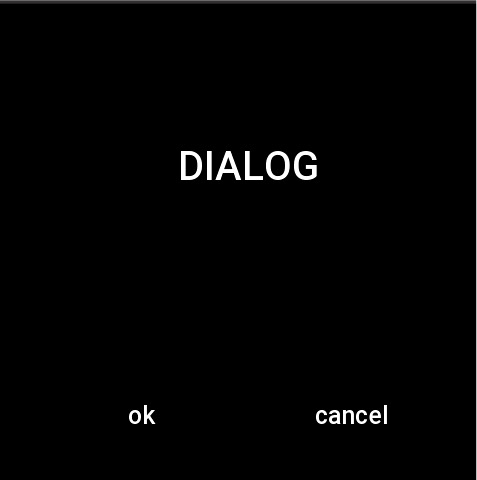
Create Modal prompt box.
Type
function createModal(option: Option): Modal
Parameters
Option
| Property | Type | Required | DefaultValue | Description | API_LEVEL |
|---|---|---|---|---|---|
| content | string | Y | - | Content of Modal | 2.0 |
| show | boolean | N | false | Whether to display Modal immediately after the creation is completed | 2.0 |
| onClick | (keyName: ModalKey) => void | N | - | Whether to display Modal immediately | 2.0 |
| autoHide | boolean | N | true | Whether to automatically close the Modal dialog after clicking the Confirm or Cancel button | 2.0 |
ModalKey
| Type | Description |
|---|---|
number | Modal key name, value reference Modal key name constants |
Modal
| Property | Type | Description | API_LEVEL |
|---|---|---|---|
| show | (isShow: boolean) => void | Show or hide Modal | 2.0 |
Constants
Modal key name constants
| Constant | Description | API_LEVEL |
|---|---|---|
MODAL_CONFIRM | Modal Confirm button | 2.0 |
MODAL_CANCEL | Modal Cancel button | 2.0 |
Example
import { createModal, MODAL_CONFIRM } from '@zos/interaction'

const dialog = createModal({
  content: 'hello world',
  autoHide: false,
  onClick: (keyName) => {
    if (keyName === MODAL_CONFIRM) {
      console.log('confirm')
    } else {
      dialog.show(false)
    }
  },
})

dialog.show(true)